Upscale tournaments are competitions where traders compete for a place on the leaderboard and a share of the prize pool. Every event lives in the Tournaments section, which shows active and finished tournaments along with their dates and prize pools.
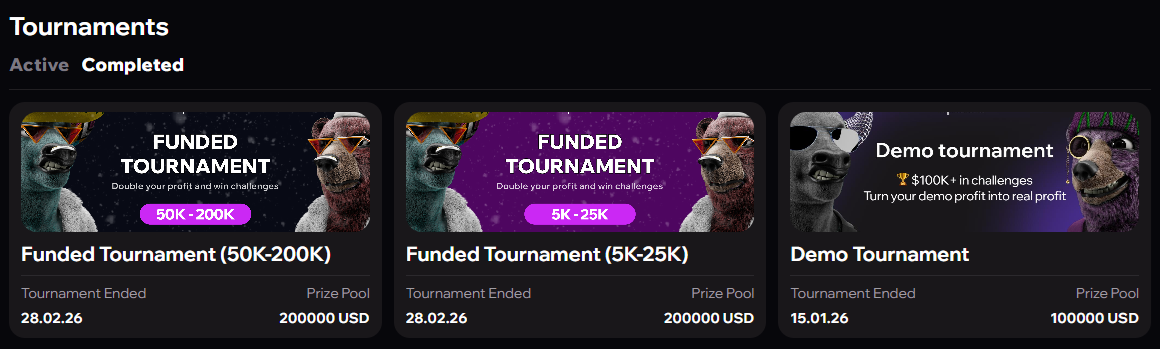
Two tournament formats
Everyone who buys a challenge during the tournament period takes part — no extra steps are required. The tournament works as a ranking layer over your regular account: it looks like a normal challenge, with your current place in the tournament shown alongside. These tournaments run on real and demo accounts alike.
Phase tabs
The tournament table can be split into tabs by phase — Phase 1, Phase 2, Funded and a combined All. The set of tabs depends on the tournament, and Funded is open by default. Ranks are counted independently in each tab: you can be first in Phase 1 and twentieth in Funded.
| Ranking type | Phase tab | All tab |
|---|---|---|
| By dollars | the sum of PnL across all your challenges on that phase | the sum across all phases |
| By percentage | the challenge with the highest percentage | your best percentage across all phases |
These are for users who received a promo code, usually at an offline event. The code activates a tournament account: a separate account type tied to one specific tournament.
How to join
- On the Tournaments page or the home page, click "Enter promo code".
- Enter the code — the system recognises it as a tournament code.
- Set a username if you have not done so already: without one, the account is not created.
- The tournament account appears in the Accounts section together with a notification confirming your entry and the start date and time. A separate notification about the new account arrives in Telegram.
The "Enter promo code" banner stays visible as long as there is an active tournament you have not joined. Once you are in every active tournament, the banner is hidden.
How a tournament account behaves
- It starts on the funded phase straight away, with no challenge stages.
- There are no drawdown rules — neither daily nor maximum — and no profit day requirement.
- At a zero balance the account does not close; it stays open until the tournament ends.
- Profit withdrawal is disabled: the account exists for the competition, and prizes are determined by the final results.
- The account does not count towards your challenge limit and can be held alongside demo and real accounts.
- Every Telegram notification about trades on it is marked "Tournament", so it is easy to tell apart from your main accounts.
The notional and market type are set by the organiser and are identical for all participants in a tournament. Available notionals: $1,000, $5,000, $10,000, $25,000, $50,000, $100,000 and $200,000; markets — Crypto, RWA or ALL.
One tournament account per tournament: a promo code for the same tournament cannot be activated twice.
Username — your name on the leaderboard
Participants appear under a nickname in every tournament. The username is set once and then used in all tournaments that follow.
| Rule | Value |
|---|---|
| Length | 3 to 16 characters |
| Allowed characters | Latin letters, digits and the underscore, no spaces |
| Uniqueness | global — a clash returns a "Username already taken" error |
| Changes | the username cannot be changed once confirmed |
If a participant is hidden, they appear in the tournament table as "Anonymous".
Tournament table and ranking
Places are determined by PnL — the trading result over the course of the tournament. Ranking is calculated in dollars or as a percentage depending on the tournament's settings; the format is stated on its page.
| Ranking format | Formula |
|---|---|
| PnL in dollars | current balance − starting balance |
| PnL as a percentage | (current balance − starting balance) ÷ starting balance × 100 |
The percentage format levels the field between accounts of different sizes. Both closed trades and the floating result on open positions are counted.
The table is sorted by PnL in descending order and refreshes once a minute while the tournament is live. On an equal PnL, whoever joined earlier ranks higher.
Tournament stages
| Stage | What happens |
|---|---|
| Before the start | The account is already visible but trading is not available. A countdown to the start is shown in your local time zone |
| Tournament live | Trading is available. You can see your current place, username and PnL, plus the countdown to the end |
| Tallying results | A short pause after the end: trading is locked while results are finalised |
| Tournament finished | The final leaderboard is displayed and results are no longer recalculated. Trade history stays available |
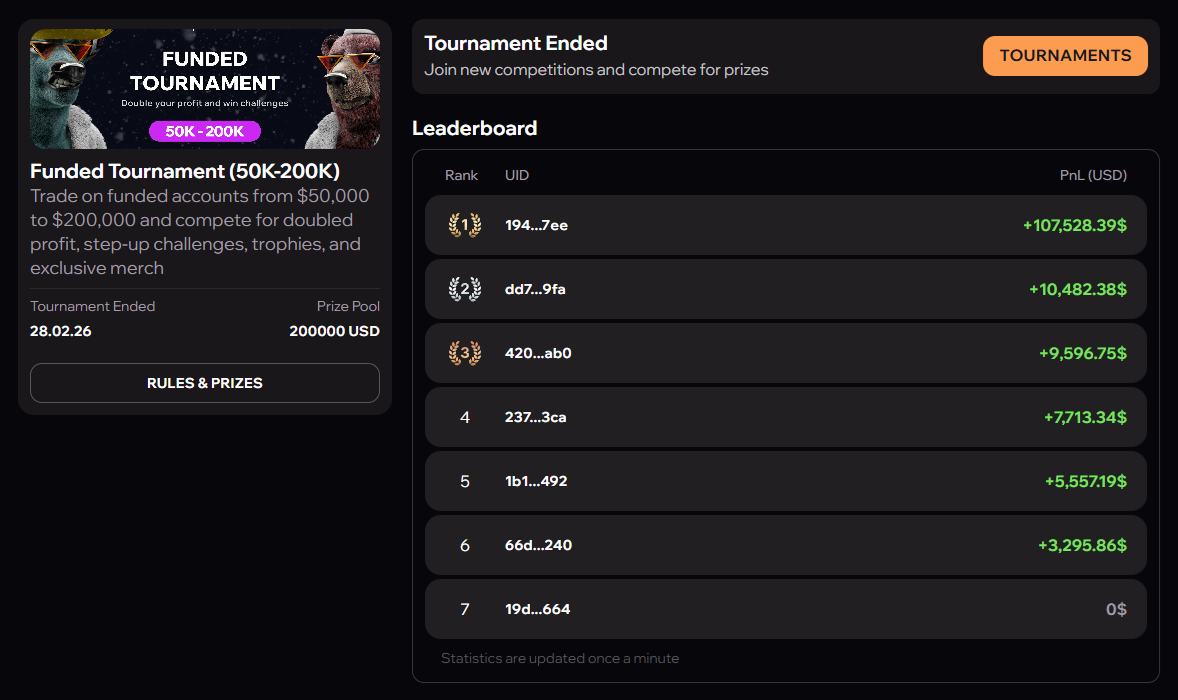
Results and certificates
Once a tournament ends, participants receive a personalised certificate with their result, which can be shared on social media.
- Top 20 participants — the certificate is generated automatically and the certificate block shows an "Open" button.
- All other participants — the certificate is generated on request, using the "Get" button.
The certificate shows your username, the tournament name, your final place, the end date and a promo code with a referral link and QR code.
The certificate block is available on the tournament account dashboard and on the finished tournament page. Every certificate you earn is collected on the "My Certificates" page, under the Tournaments tab.